
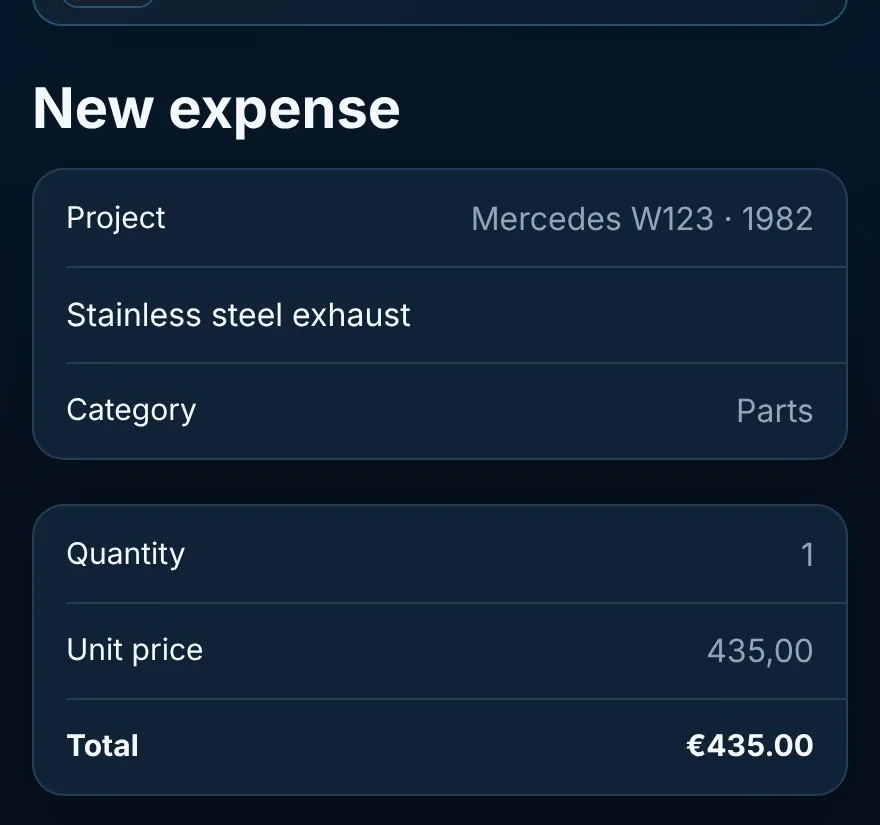
An expense is recorded in seconds
Type what you bought, pick the category, quantity and price. PROJEX does the sum and adds it to the project. Attach a photo of the part or the receipt right there.
PROJEX keeps the expenses, hours, photos and invoices of every project in your workshop together. Open a project and see what you have spent and what is left of the budget.
Free, with no ads. On your phone, tablet and computer.
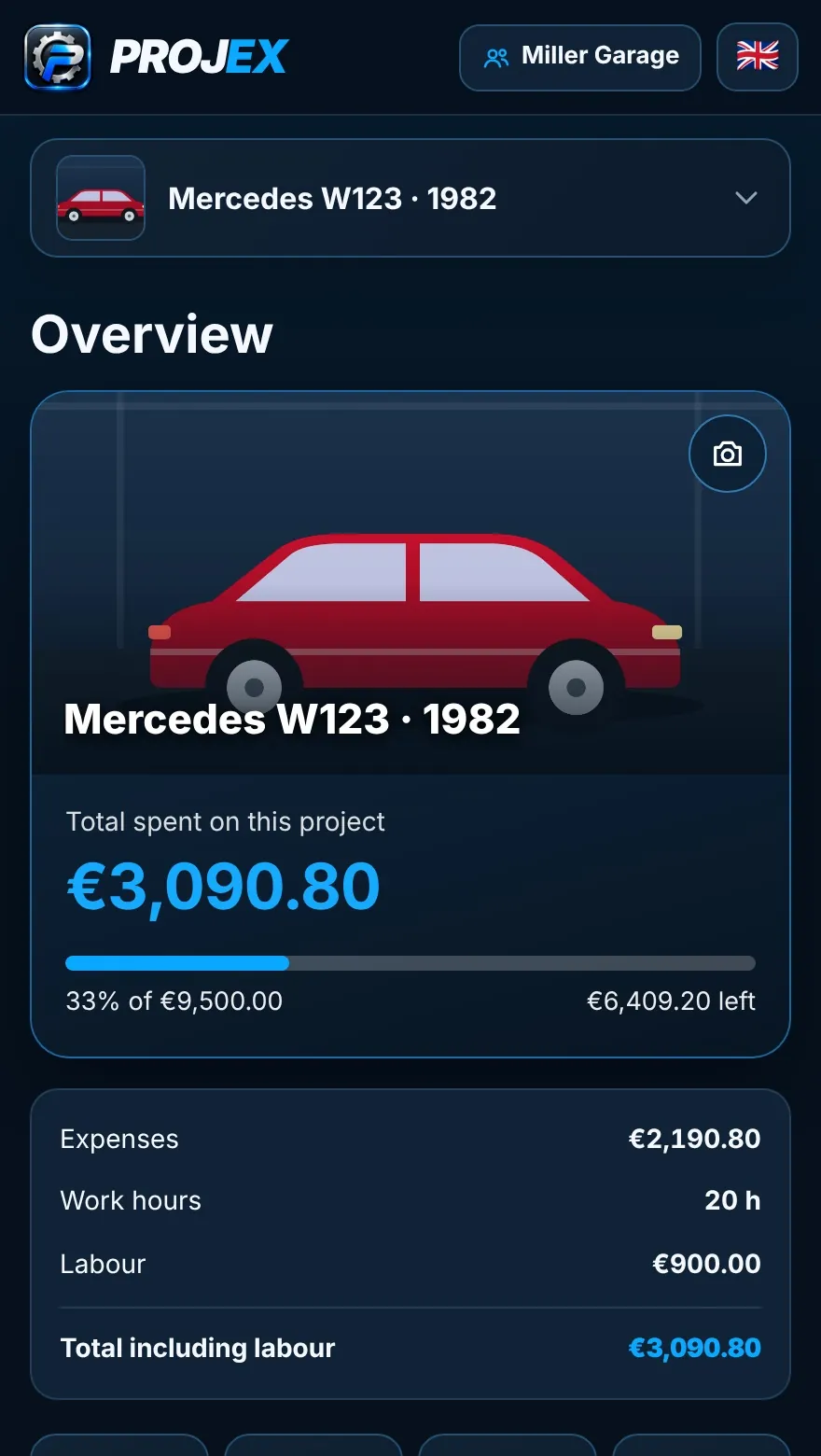
All of it is included in the free account.
Type what you bought, pick the category, quantity and price. PROJEX does the sum and adds it to the project. Attach a photo of the part or the receipt right there.
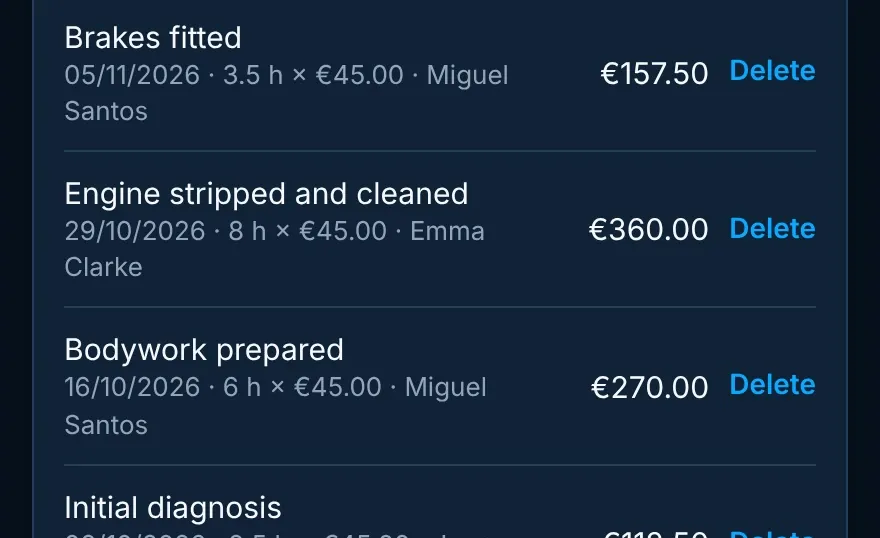
Record the hours and the hourly rate. Labour goes into the project total, and in a team you can see who did each job. Invoices are filed per project, as an image or a PDF.
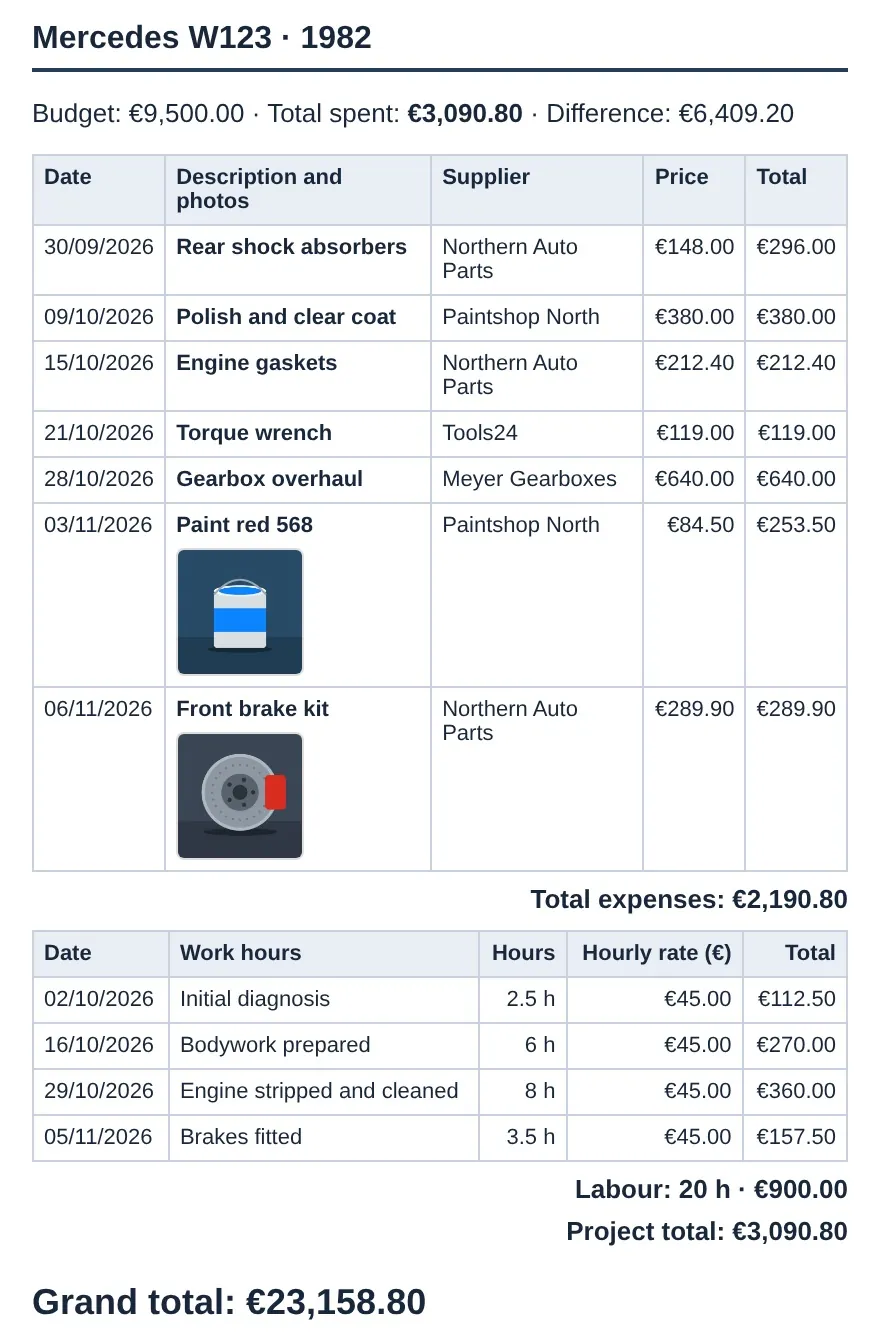
Every project has a report with all its expenses, photos and hours. Print it, save it as a PDF or send it by email. There is also one report for all projects together.
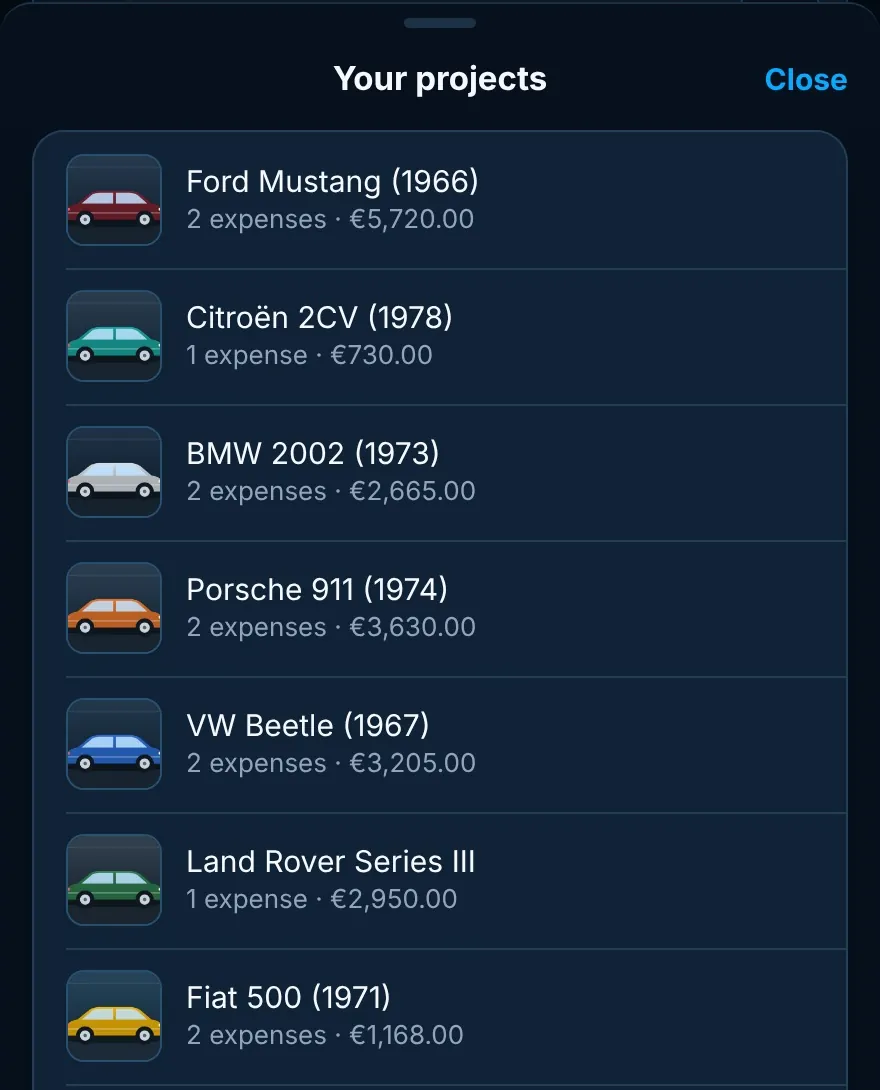
There is no limit on projects. Each has its own budget and photo, and the list shows at a glance how much has gone into each one.
Create a team and invite colleagues by email. Everyone sees the same projects, and you decide what each person may do. Your personal space stays separate.
| What they can do | Owner | Admin | Member | View only |
|---|---|---|---|---|
| View projects, expenses and reports | yes | yes | yes | yes |
| Record expenses, hours and photos | yes | yes | yes | no |
| Invite and manage members | yes | yes | no | no |
| Hand the team over to someone else | yes | no | no | no |
PROJEX was built to look after your workshop’s numbers carefully.
Nothing. The account is free and includes every feature on this page.
No. PROJEX opens in the browser on your phone, tablet or computer. On a phone you can choose “Add to Home Screen” and open it like an app.
As many as you like. There is no limit on projects or expenses.
No. It was designed for workshops and restorations, but it suits any project with a budget: motorbikes, boats, furniture, home renovations.
Yes. Export expenses as CSV, make a backup you can import again, or download everything as a ZIP file.
Create the account with your email and record your first expense right after.